Backups in XO 6
XO 6 puts backup health where you look every day: on the dashboards. This page covers what you can see and follow from XO 6; creating and editing backup jobs is currently done in XO 5 (see XO 6 and XO 5).
Backup health on the dashboard
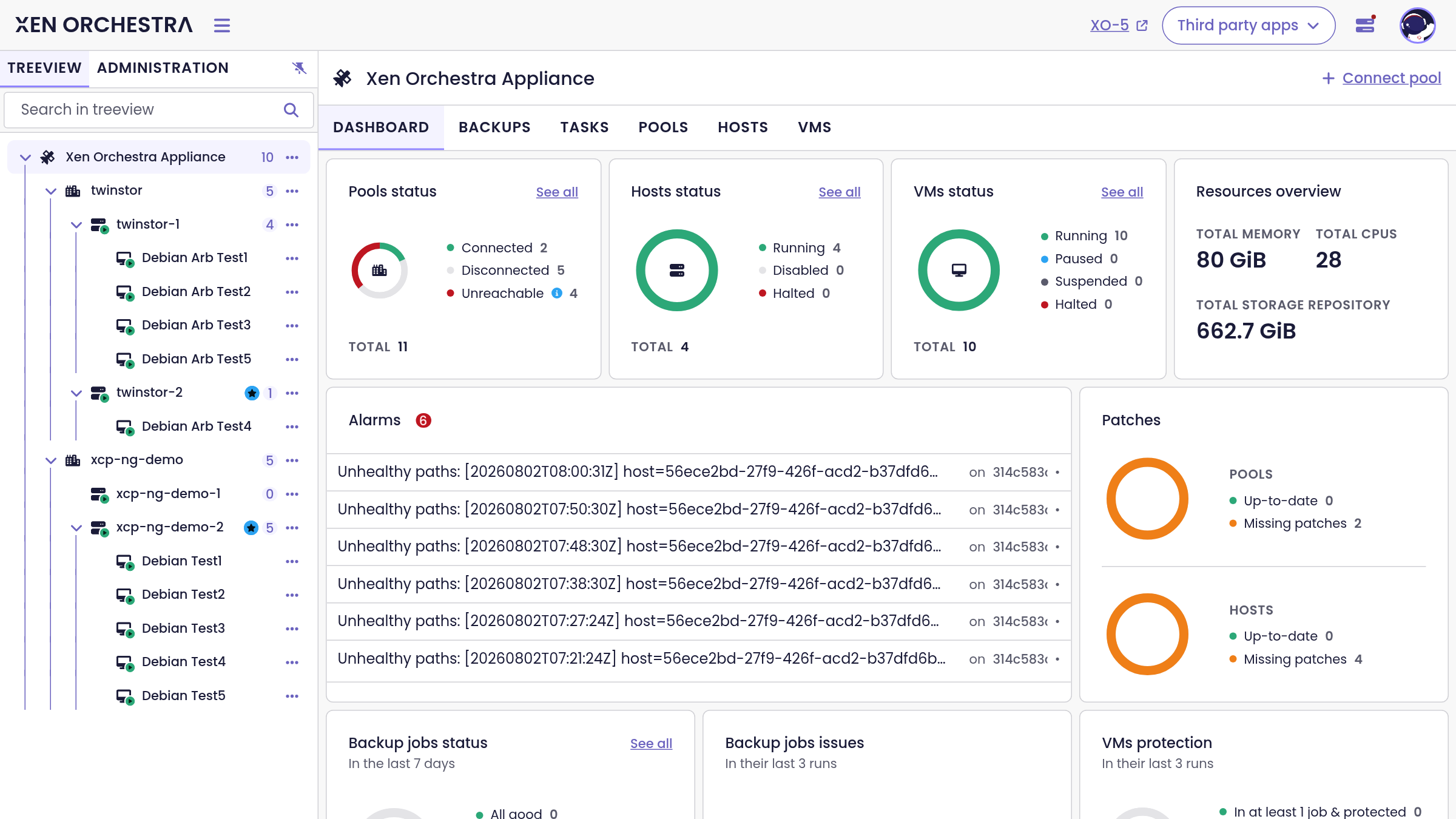
The Xen Orchestra dashboard dedicates three panels to data protection:
- Backup jobs status: how the runs of the last 7 days went.
- Backup jobs issues: jobs whose last 3 runs need attention.
- VMs protection: how many VMs are covered by at least one backup job, and how many are not protected at all.
The Backups view
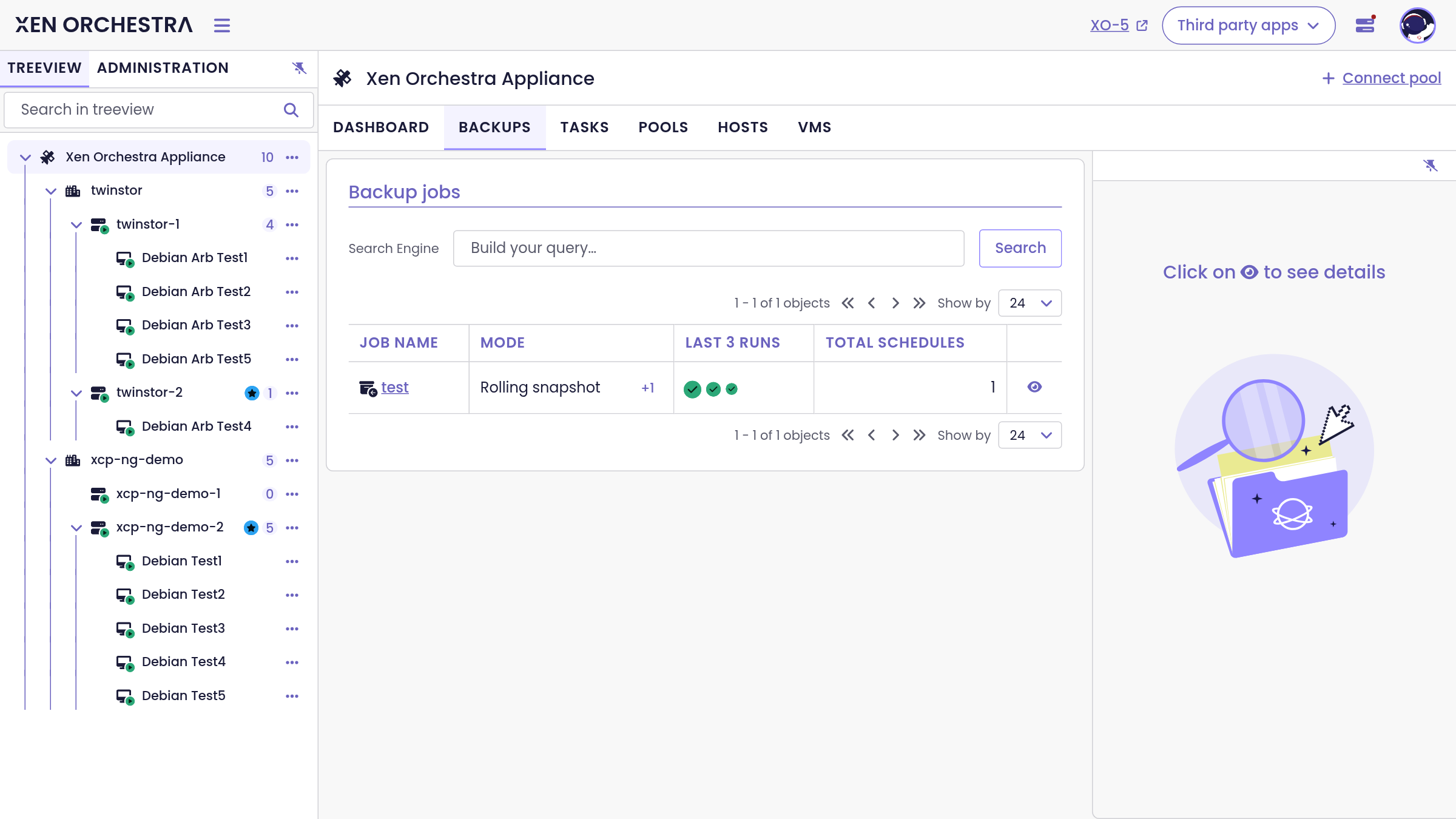
The Backups tab at the Xen Orchestra level lists your backup jobs, with their mode (rolling snapshot, delta, full and so on), the outcome of their last 3 runs, and their schedules. Each job opens on its own page with four tabs: Runs (the execution history), Configuration, Backed up VMs and Targets, plus a marked link to configure the job in XO 5.
Per-VM protection
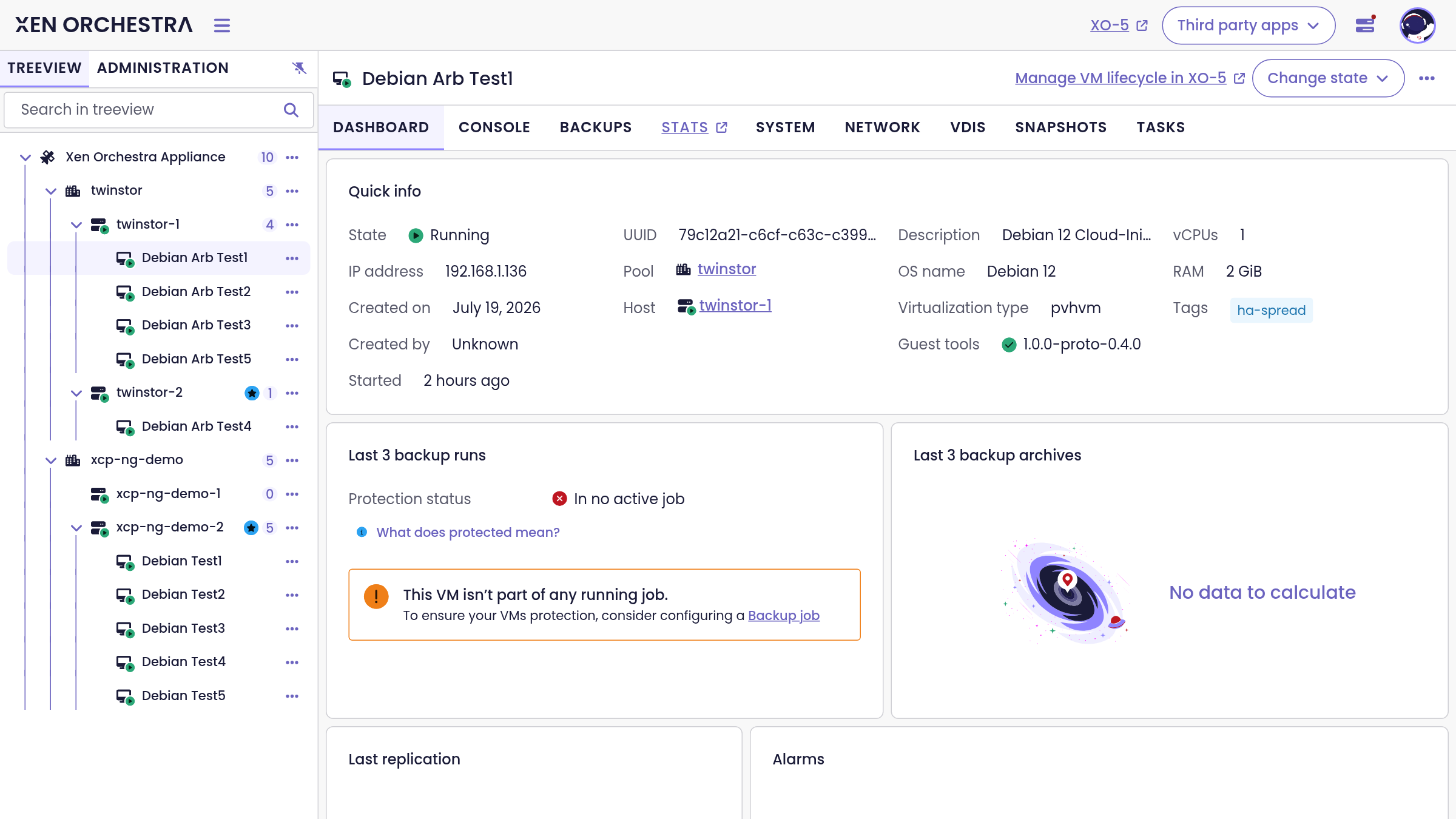
Every VM dashboard answers the question "is this VM protected?" directly:
- Last 3 backup runs with the protection status. A VM in no active backup job is flagged, with a link to configure a job for it.
- Last 3 backup archives available for restore.
- Last replication date, when the VM is covered by a replication job.
The Backups tab of the VM lists the jobs covering that specific VM.
Where the rest lives
Backup restore, job creation and editing, backup repositories (S3, NFS, SMB and Azure), mirror backups, sequences and health checks are managed in XO 5 for now, and are documented in the XO 5 backup documentation. Everything you configure there is immediately reflected in the XO 6 views above.