Metadata backups
Every XCP-ng or XenServer pool keeps a database, the XAPI database, describing everything that isn't the data itself: VMs and their settings, storage repositories, networks, and how they all fit together. Xen Orchestra has an equivalent of its own: its configuration, holding users, authorizations and resource sets, backup jobs, and plugin settings.
Metadata backup protects both layers, with two backup kinds you can enable independently or together in a single job:
- Pool metadata backup: a dump of the pool's XAPI database (VMs, SRs, networks, etc.).
- XO config backup: the configuration of your Xen Orchestra instance itself.
This is the backup that saves you when the hardware dies but the storage survives: reinstall a host, restore the pool metadata, and the pool knows about its VMs and SRs again. Likewise, if you lose your XOA, restoring the XO config brings back your users, jobs, and settings without rebuilding them by hand.
In the XO 5 interface, backup repositories are still labeled Remotes.
Performing a backup
In Backup → New, choose what kind of job you want to create: backing up VMs, or backing up metadata.

Selecting Backup metadata opens a dedicated job form. Toggle Pool metadata, XO config, or both at the same time, then pick the pools to cover and the target BR.
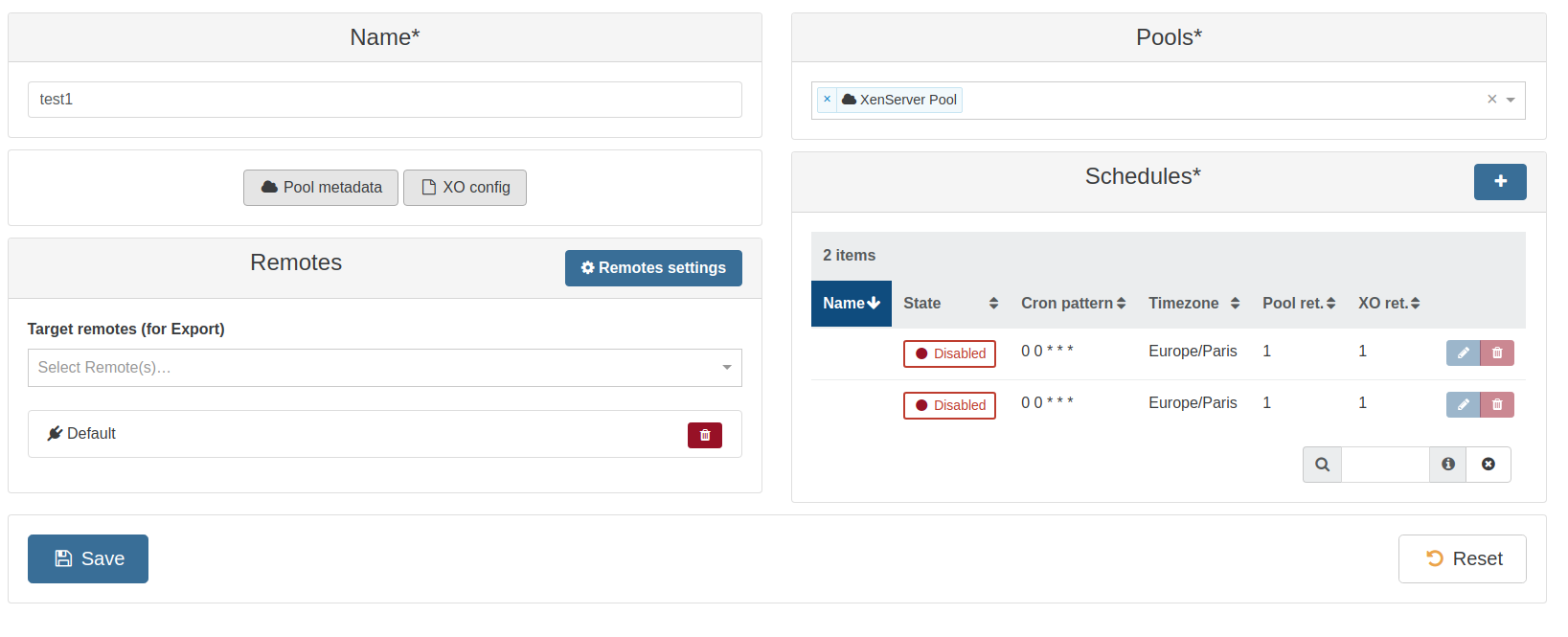
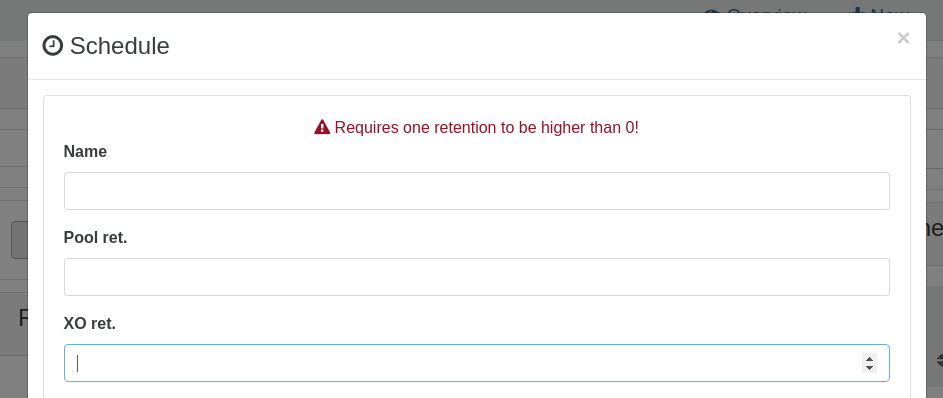
Each schedule has its own name and retention, one for pool metadata backups and one for XO config backups. At least one retention must be higher than 0.
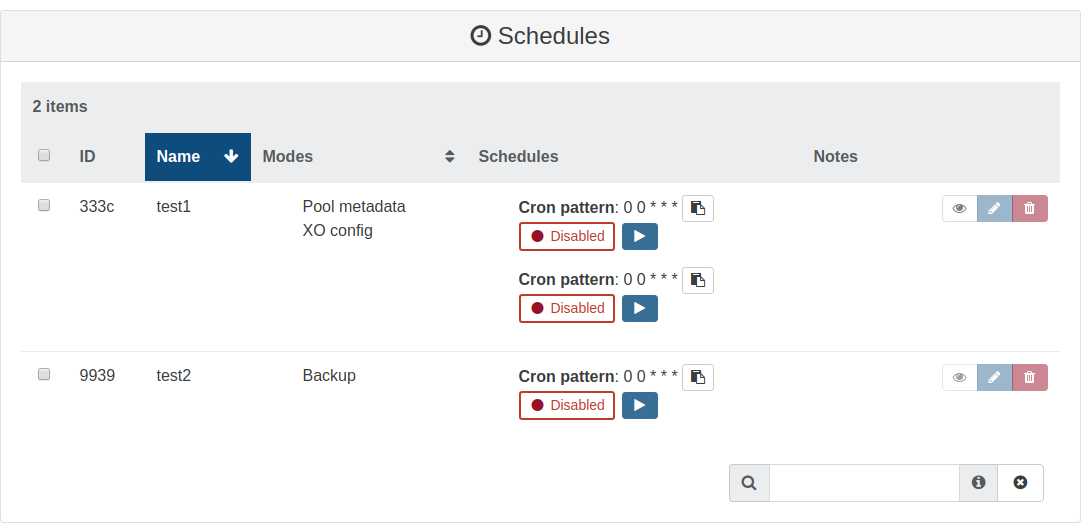
Once saved, the job shows up alongside your other backup jobs, with its modes listed (Pool metadata, XO config).
Performing a restore
Restoring pool metadata completely overwrites the XAPI database of a host. Only perform a metadata restore if it is a new server with nothing running on it (eg replacing a host with new hardware).
Go to Backup → Restore and click the Metadata filter button: the list switches to the metadata backups available for restore, both XO config backups and pool metadata backups.
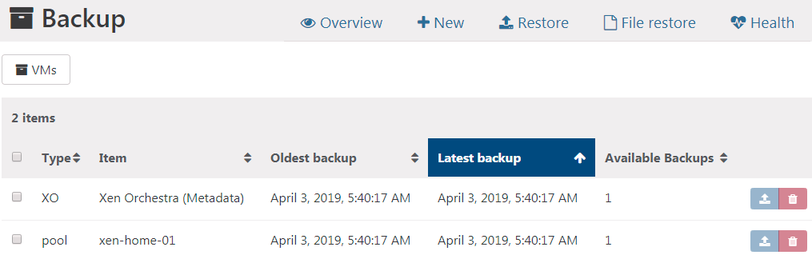
To restore one, click the blue restore arrow on its row, choose the backup date to restore, and click OK.
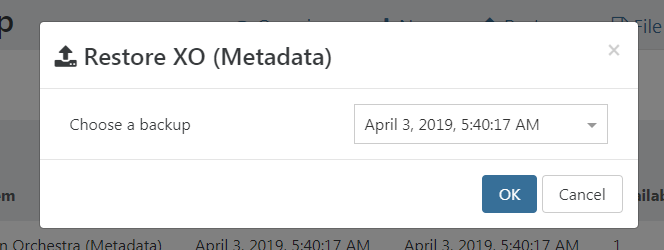
That's it!
Metadata backup is one half of protecting your orchestration layer: the other half is keeping the XOA itself recoverable. See How to ensure XOA is always available.